AI logo on a t-shirt
Will your logo survive the merch table?
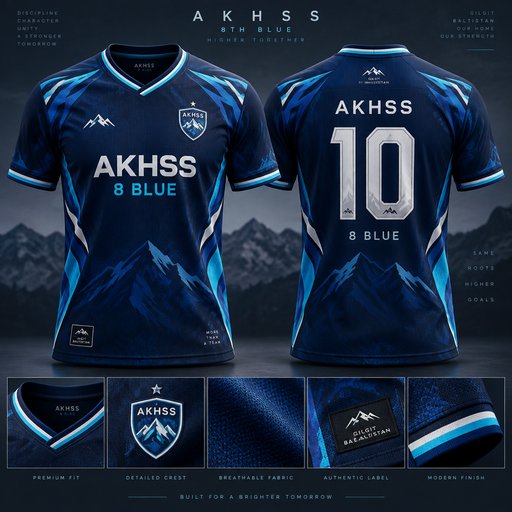
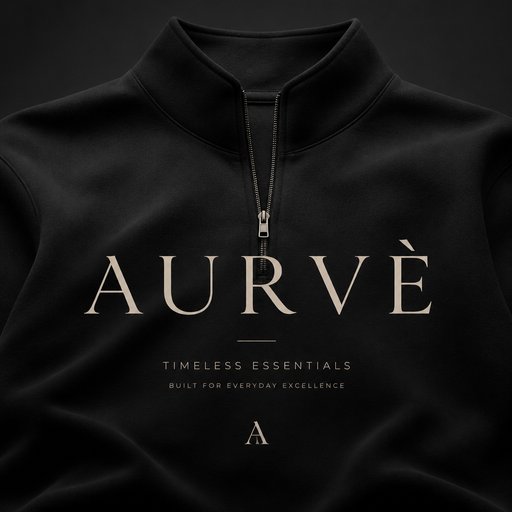
Merch is where brand identities meet reality: a wordmark that shines on a website can look like a legal disclaimer across a chest. Drop your logo into the Context tool and see it as apparel — big back print, small embroidered left chest, tonal print on black — before you order five dozen shirts.
- Original artwork — no templates, no cliches
- Upload your own logo, sketch or references
- Any style you can describe — vintage to 3D
- Edit, contextualize, upscale and animate afterwards

Generated with Design Generator — “Show this logo as a large center chest print on a black t-shirt, realistic fabri…”
Prompt ideas to start from
Fresh from the community

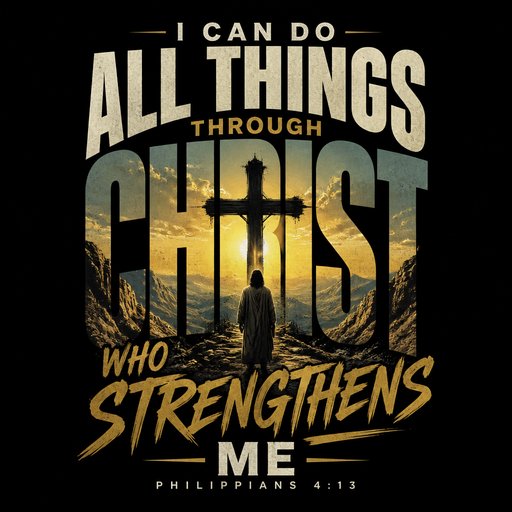
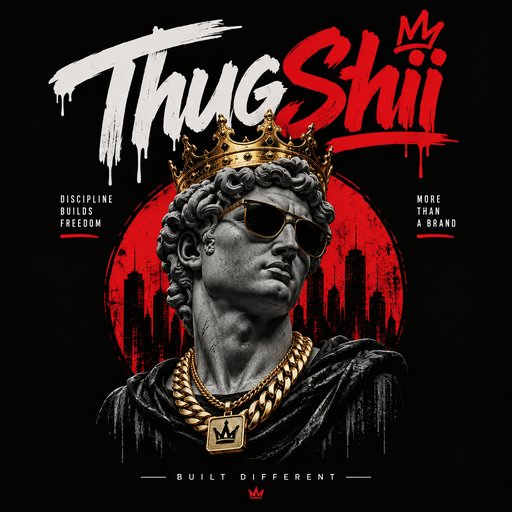
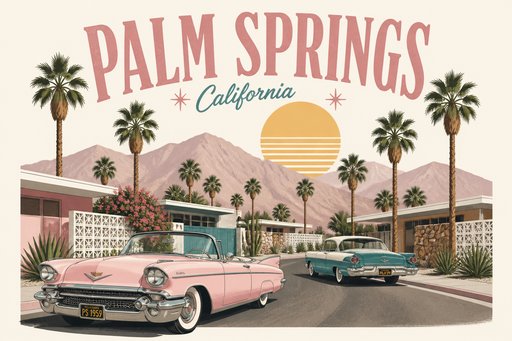


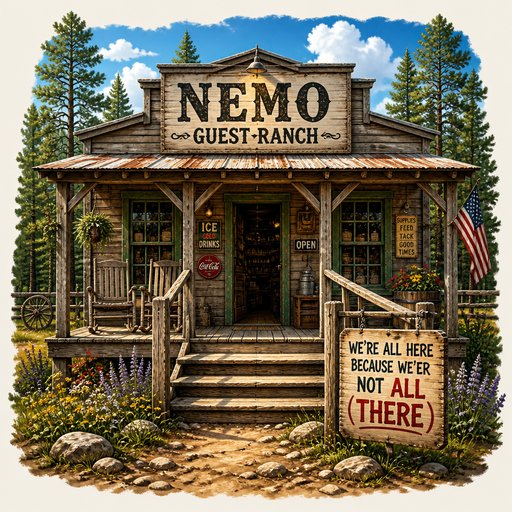
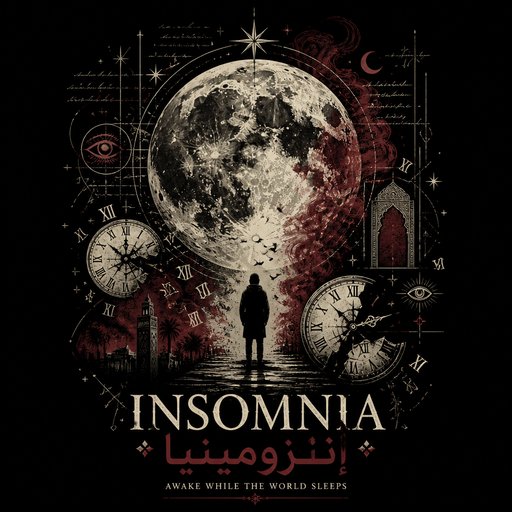
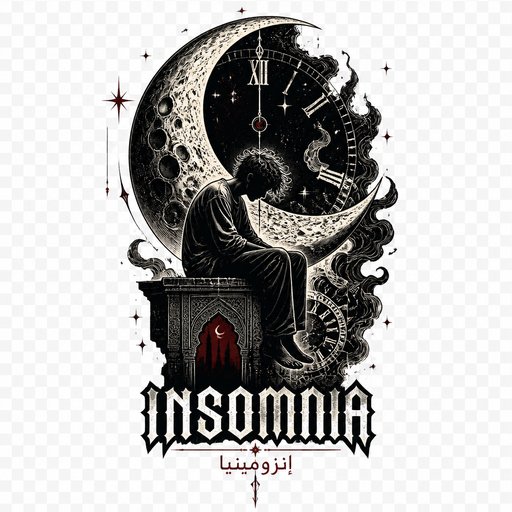
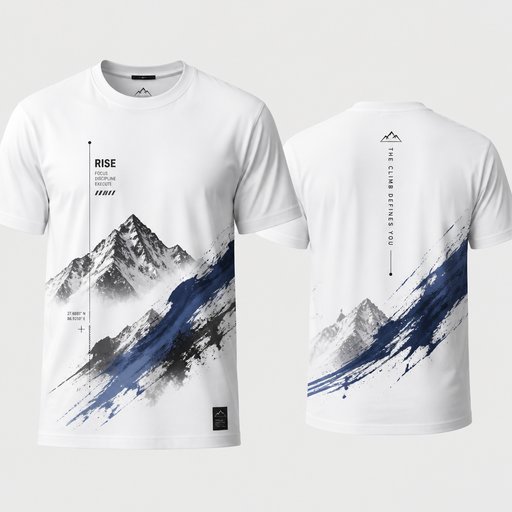
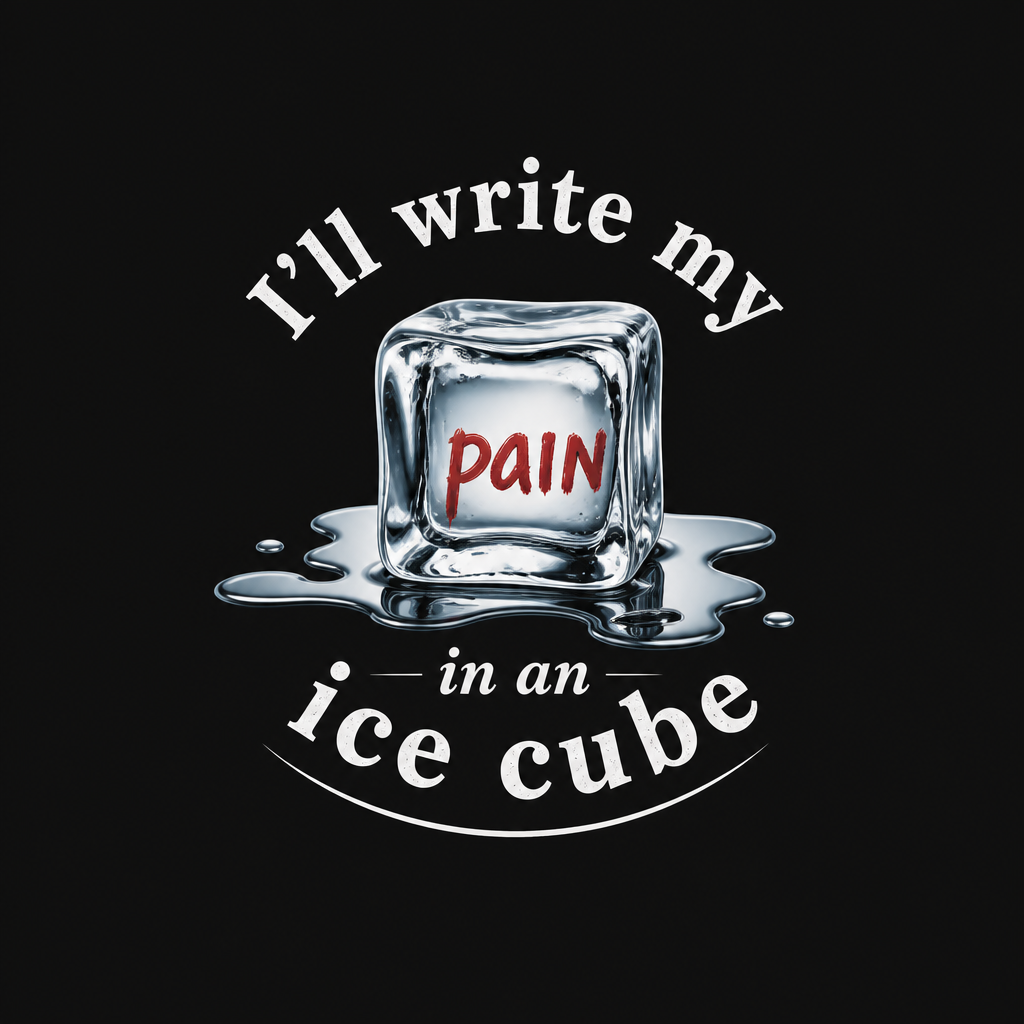





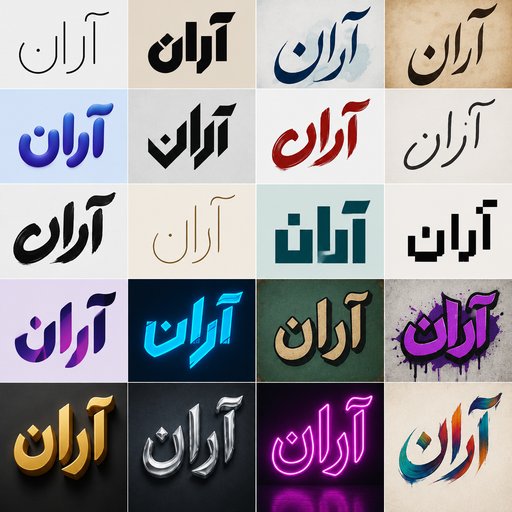

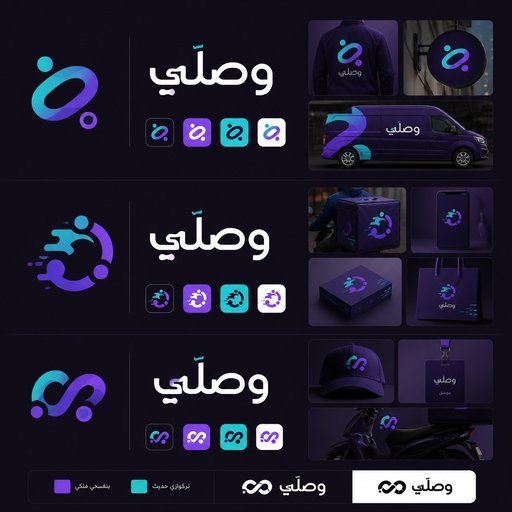

![كمصمم خبير لتصماميم باللغة العربية ، اعملي لي تصميم تداخل كلمة ابراهيم وكلمة رانا مع بعض ، التداخل في حرف الراء والالف را ، يعني اكتر من شكل في صورة واحدة اختار منهم ، برجاء التحقق والمراجعة قبل ما تصمم وتنفذ
المطلوب تحديدًا هو:
إب + را + هيم
را + نا
أي أن «را» نفسها تُرسم مرة واحدة فقط، وتكون هي الجزء المشترك بين الاسمين:
إب [را] هيم
[را] نا
والتصميم لازم يجعل الـ را المشتركة بصريًا تخدم الاسمين في نفس الوقت، وليس مجرد وضع الكلمتين فوق بعض](https://media.designgenerator.com/43722daa-e2af-4173-8388-50073effb0d5-thumbnail.jpg)



Frequently asked questions
What should I look for in the shirt render?
Three things: does the mark hold contrast on the fabric color, does it stay legible at chest scale, and does the shape flatter the placement (wide marks suit back prints; compact icons suit the left chest). The render answers all three at a glance.
What does testing on apparel cost?
Each apparel context render is 4 credits at Standard. Free starter credits (2) go toward a first Draft design generation instead — checking a mark across four shirt treatments costs about 16 credits from a plan starting at $15/month.
Can I test hoodies, caps and totes too?
Yes — describe any garment or accessory in the instruction: hoodie fronts, dad caps, tote bags, jerseys. Each is its own render, so a full merch check across five items runs 20 credits.