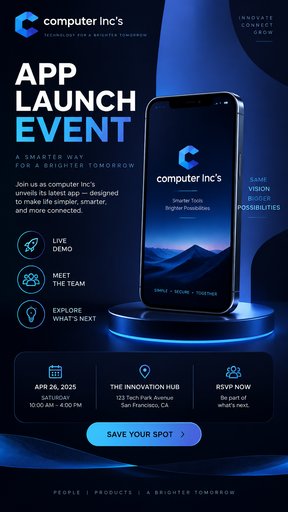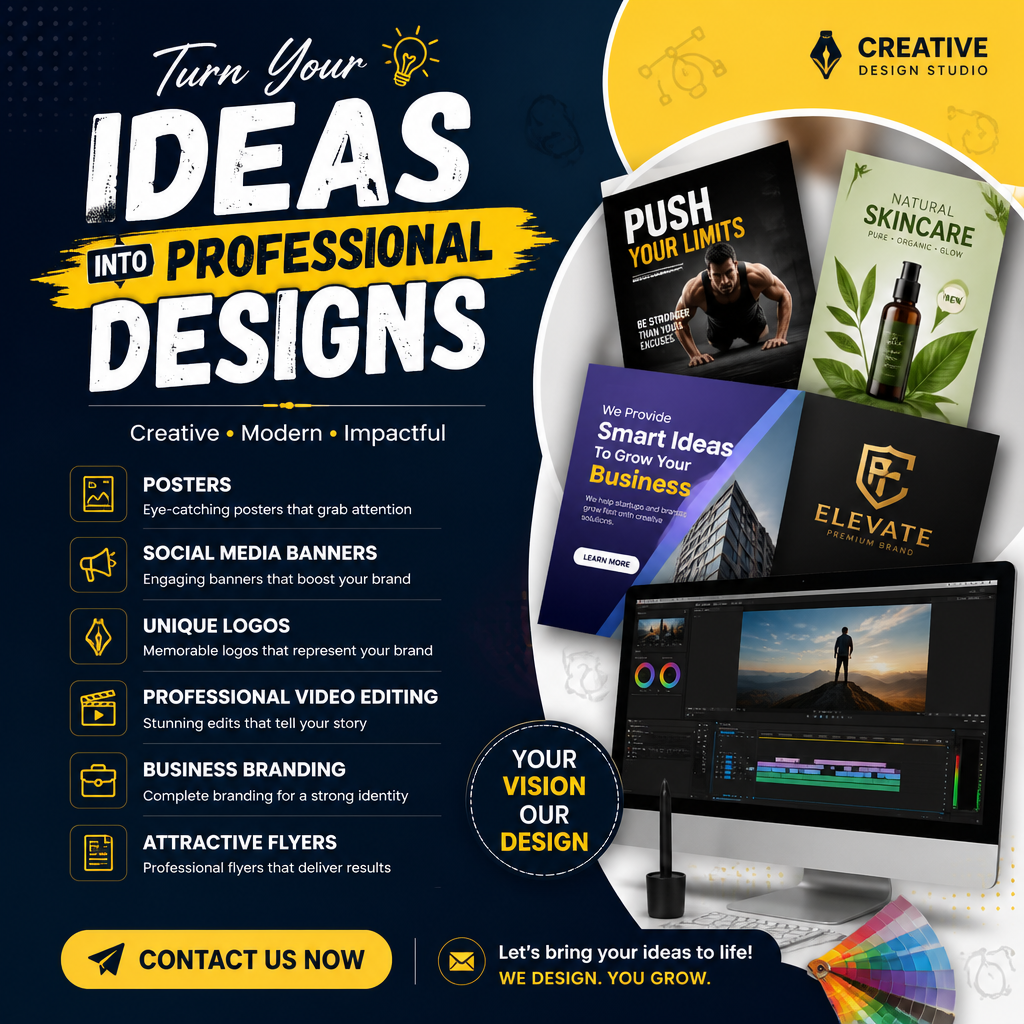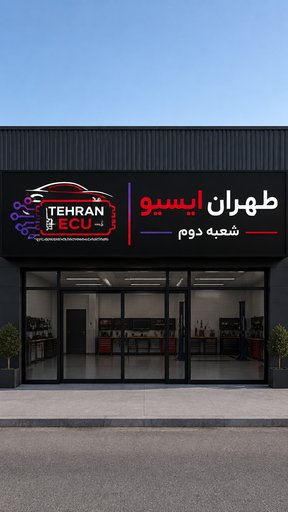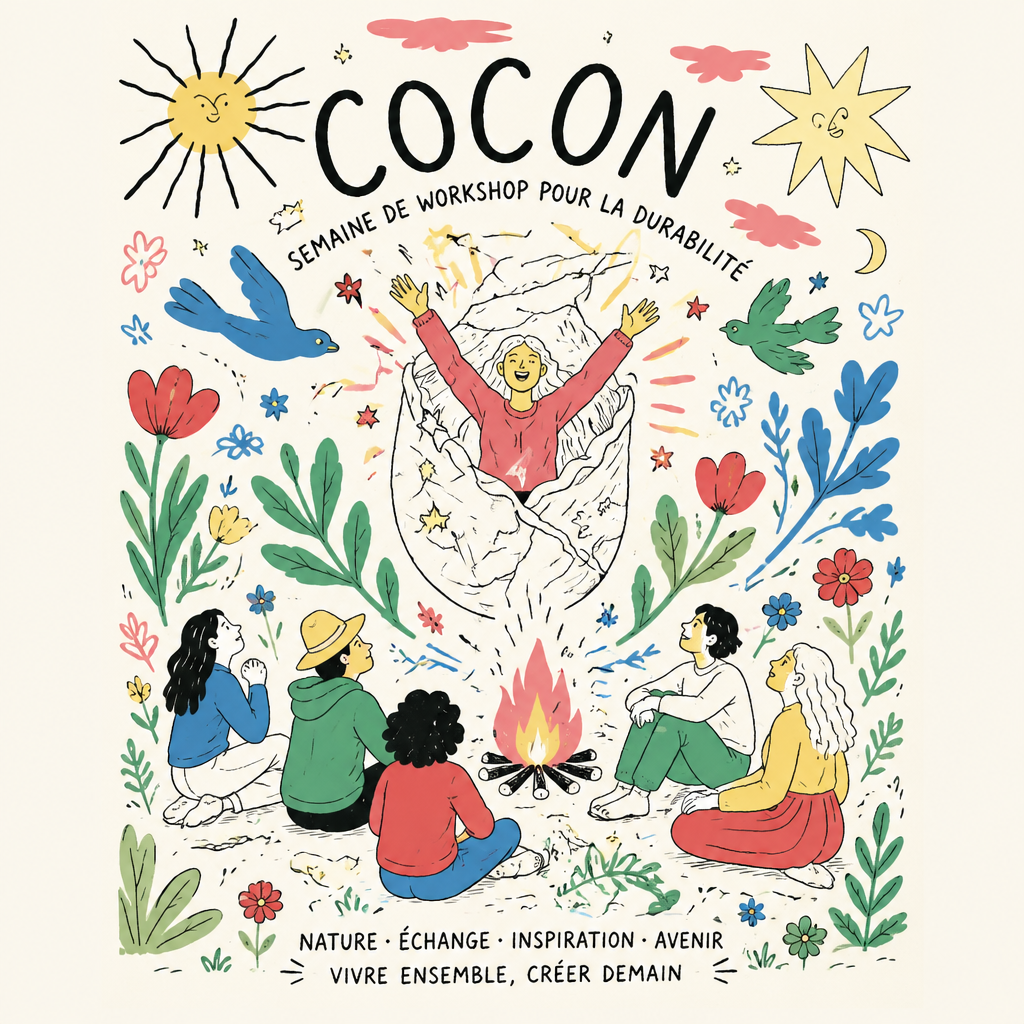
AI-generated design
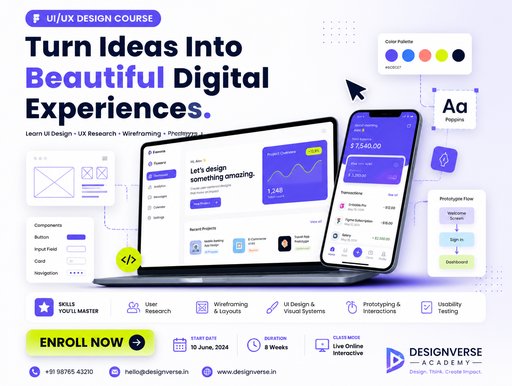
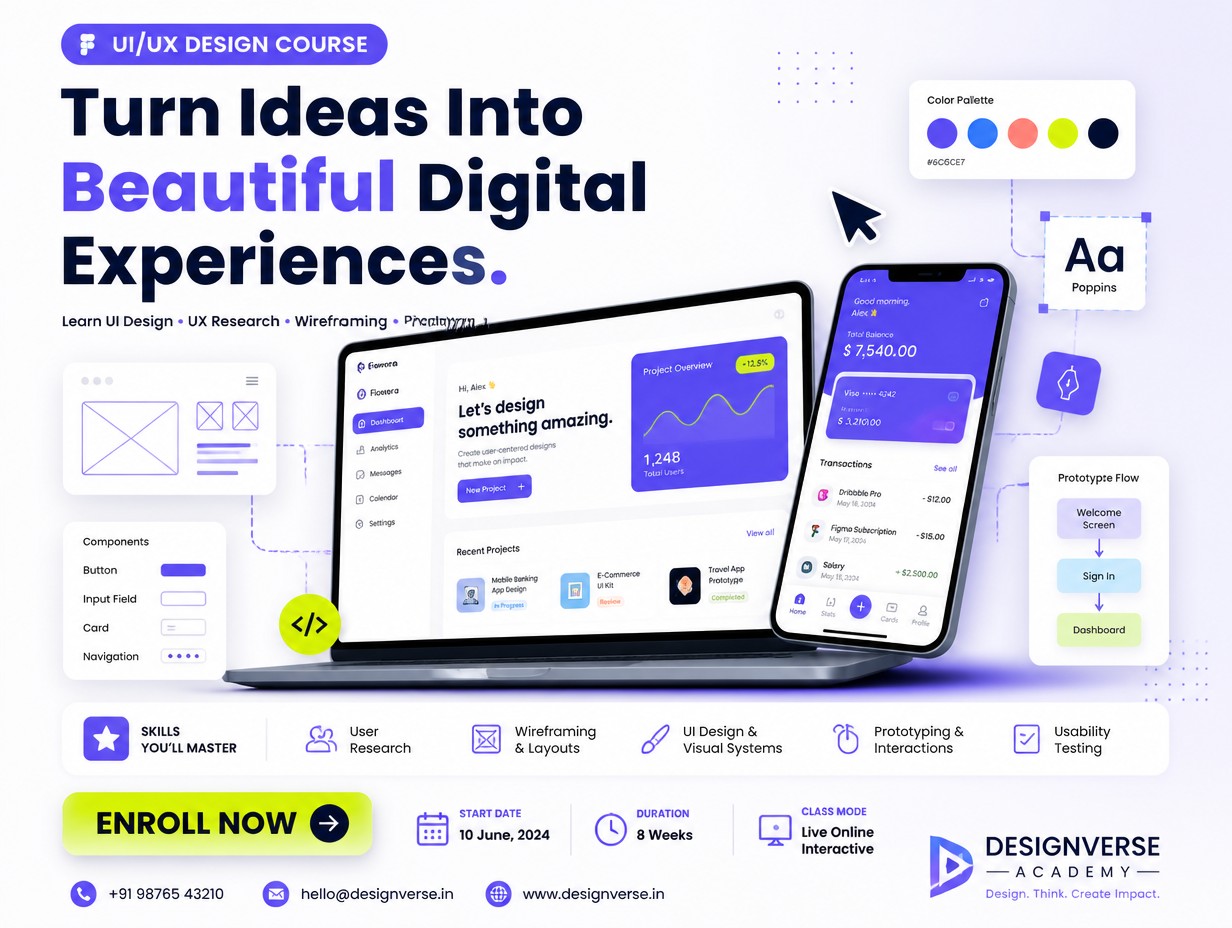
Use a 1080 × 1350 px portrait layout for Instagram/social media. At the top, place a small label such as “UI/UX DESIGN COURSE”, followed by a large headline: “Turn Ideas Into Beautiful Digital Experiences.” Add a short line underneath: Learn UI Design • UX Research • Wireframing • Prototyping. For the main visual, show a laptop or floating mobile-app screens surrounded by UI elements—cursor arrows, grids, component cards, color swatches, wireframes, and prototype connectors. This immediately communicates what the course teaches. For styling, use a light off-white background with electric purple/blue gradients, dark navy text, rounded cards, subtle shadows, and one bright accent such as lime or coral. Fonts like Poppins, Inter, or Manrope would fit well. At the bottom, create a bold CTA area with “Enroll Now”, then add the start date, duration, class mode, contact details, and your logo/academy name. Keep these details smaller so the headline and UI mockups remain the visual focus. A good hierarchy would be: Course label → Big headline → UI mockup → Skills covered → Enroll Now → Contact details.
August 10, 2026
More poster designs