AI recolor a logo
Same mark, new palette — in one instruction
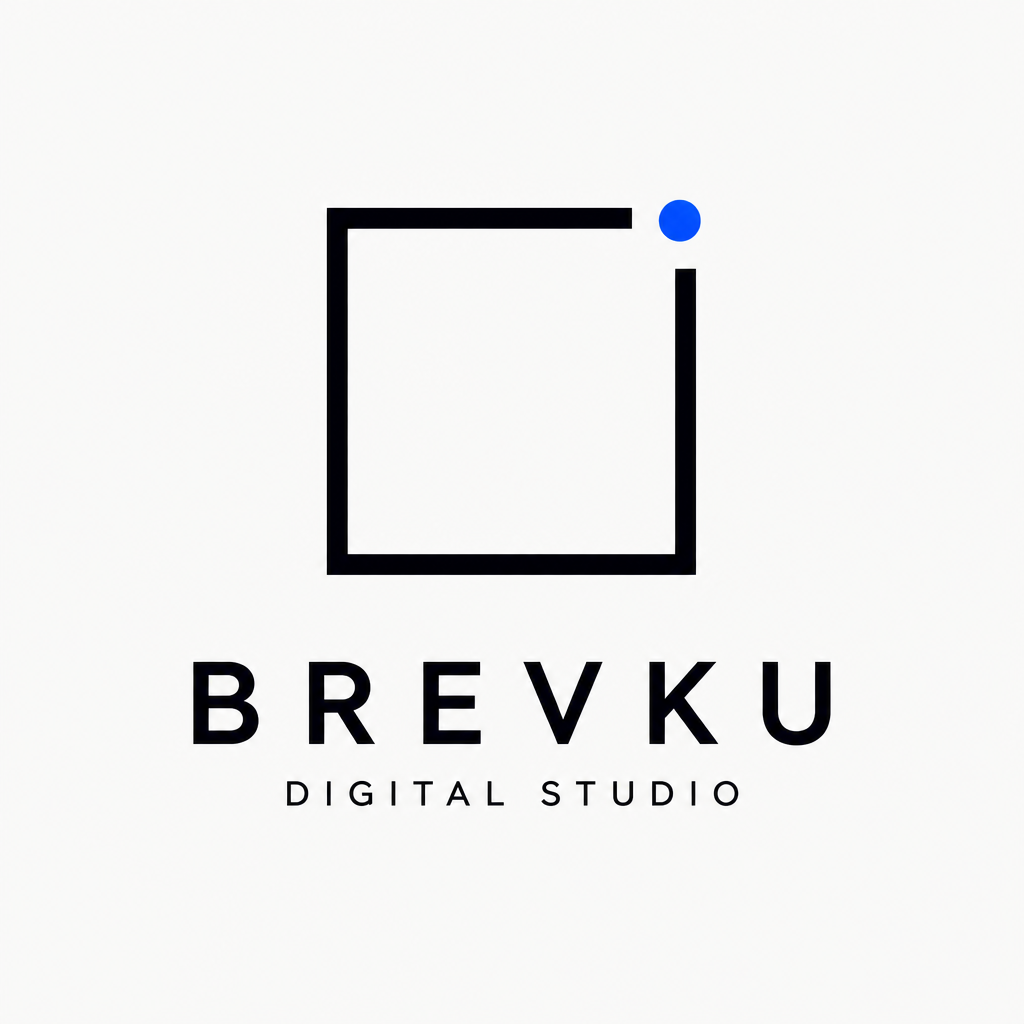
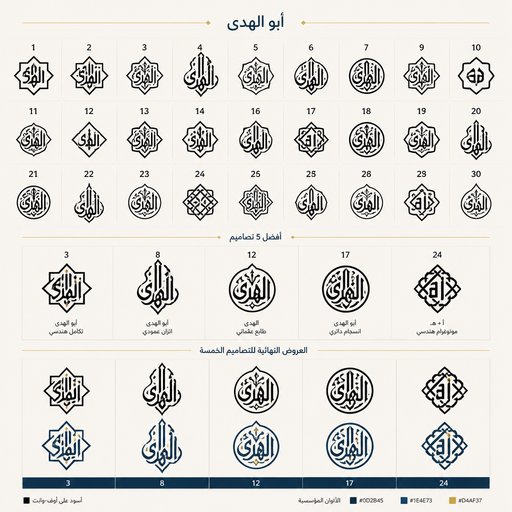
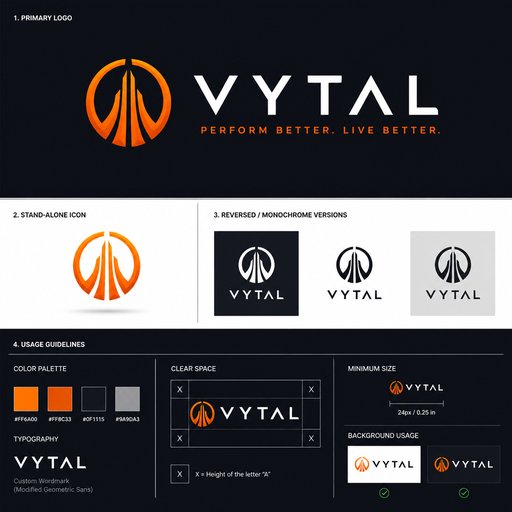
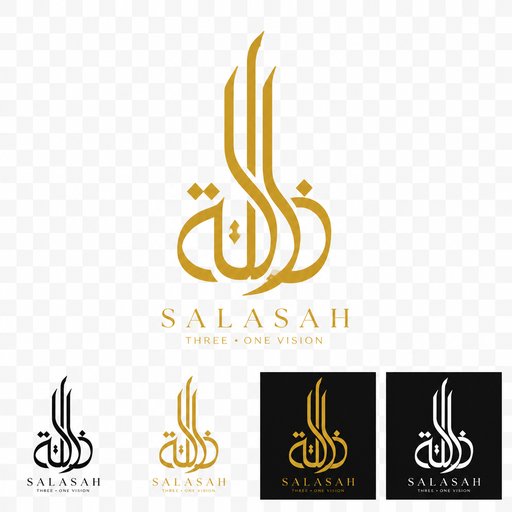
Color is the cheapest rebrand there is — if you can preview it. Feed your logo to the Edit tool and ask for colorways: the palette shifted to forest green, a white knockout for dark backgrounds, a gold-foil finish for packaging, a one-color version for embroidery. The geometry never moves; only the color does.
- Original artwork — no templates, no cliches
- Upload your own logo, sketch or references
- Any style you can describe — vintage to 3D
- Edit, contextualize, upscale and animate afterwards

Generated with Design Generator — “Recolor this logo to a deep forest green with a cream accent, keep every shape u…”
Prompt ideas to start from
Fresh from the community























Frequently asked questions
Why recolor with AI instead of a color picker?
Flat fills are easy; believable finishes aren’t. The AI can render the mark in gold foil, embossed leather, neon glow or gradient glass — treatments that show you how the color direction feels in the real world, not just as hex codes.
How many credits per colorway?
Each recolor is an edit: 4 credits at Standard quality. Exploring eight or ten palette directions runs around 40 credits — the 2 free credits new users get cover an initial Draft logo generation, and plans start at $15/month for 1,000 credits.
Which colorways should every brand have?
Four minimum: full color on light, full color on dark, one-color black and one-color white. Generate all four in a sitting and you’ve got a usable mini brand sheet.